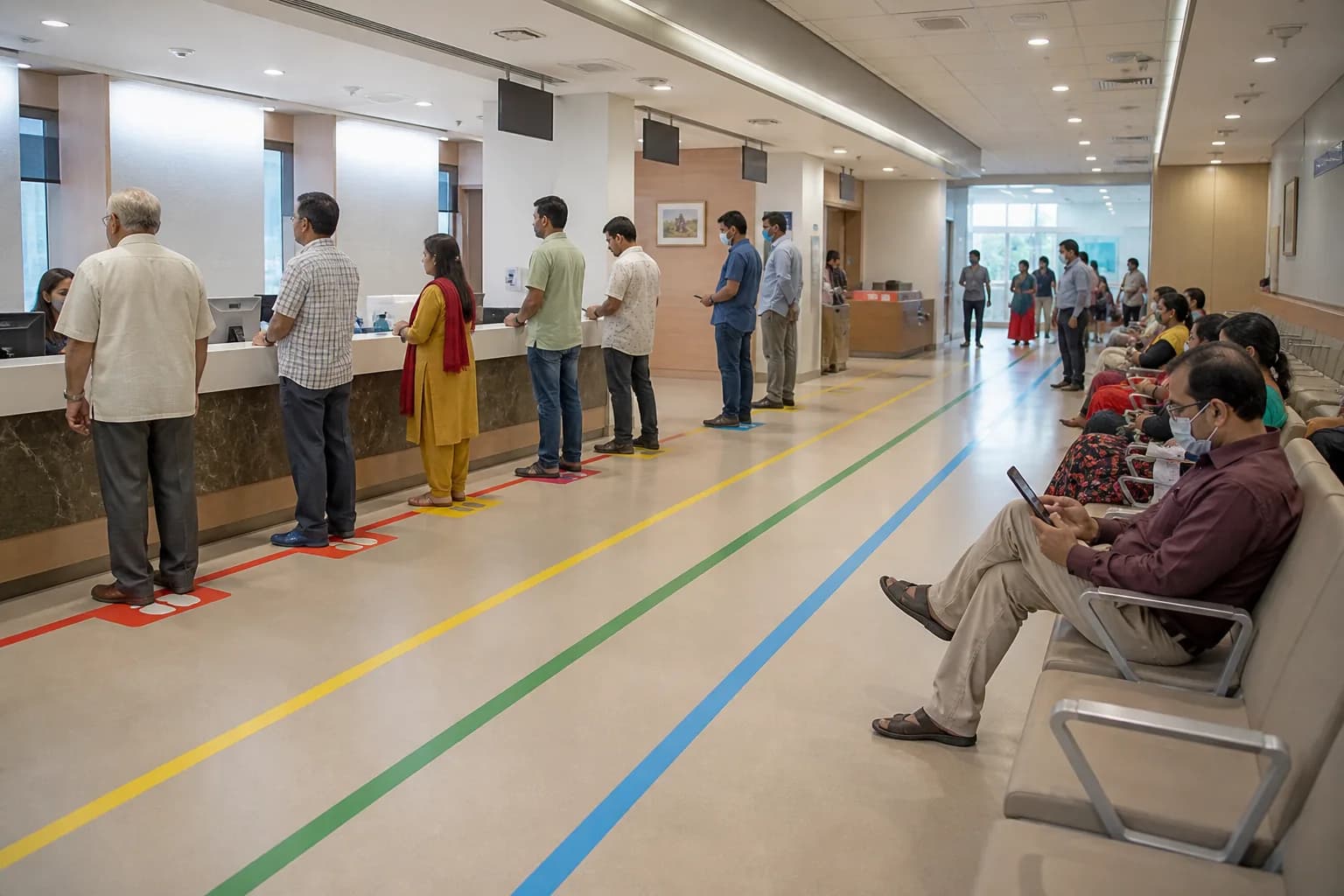
Start With the Care Journey, Not the Calendar
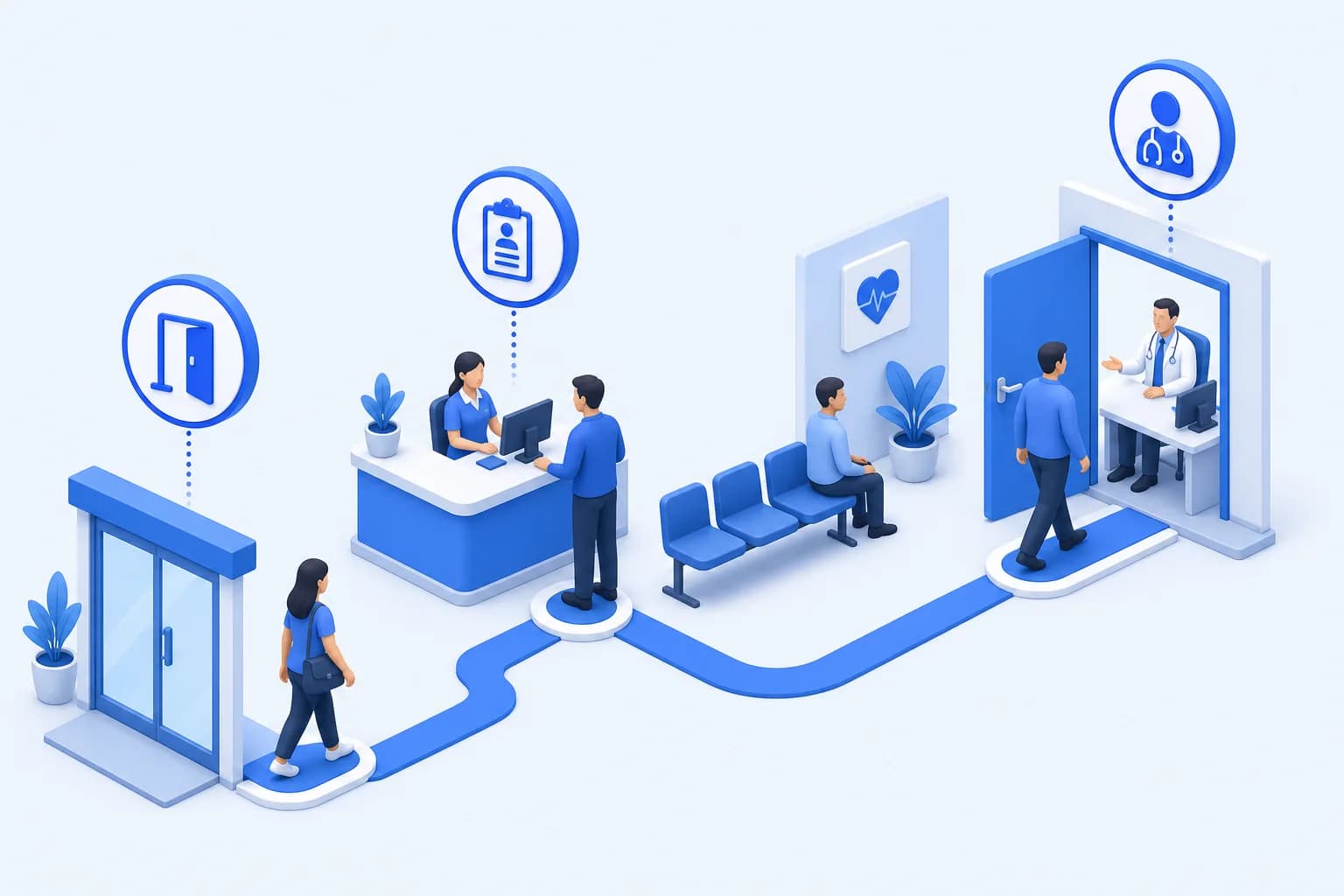
Online scheduling succeeds when the booking path reflects how care is actually delivered. Map the journey from symptom or referral through registration, consultation, diagnostics, pharmacy, and follow-up before configuring a single slot. This exposes prerequisites that a simple public calendar would otherwise miss.
Interview receptionists, clinicians, nurses, and billing staff because each group sees different failure points. Record which visits require referrals, deposits, prior records, age restrictions, or specialist review. The resulting service catalog becomes the foundation for safe self-scheduling rather than a list of doctor names.

Discovery outputs to complete
- Validated service catalog
- Visit-type eligibility rules
- Patient identity requirements
- Escalation and exception paths
- Baseline access metrics
Define Visit Types and Scheduling Rules
A first consultation, procedure review, and routine follow-up should not consume identical time. Define duration, lead time, buffer, location, clinician qualification, and patient eligibility for every visit type. Rules should be explicit enough that staff and patients receive the same answer regardless of channel.
Protect capacity by separating bookable inventory from the clinician's entire working day. Reserve slots for urgent cases, post-discharge reviews, and operational recovery when clinics run late. HealUDoc can apply these rules across OPD services while role-based access limits who may override protected capacity.
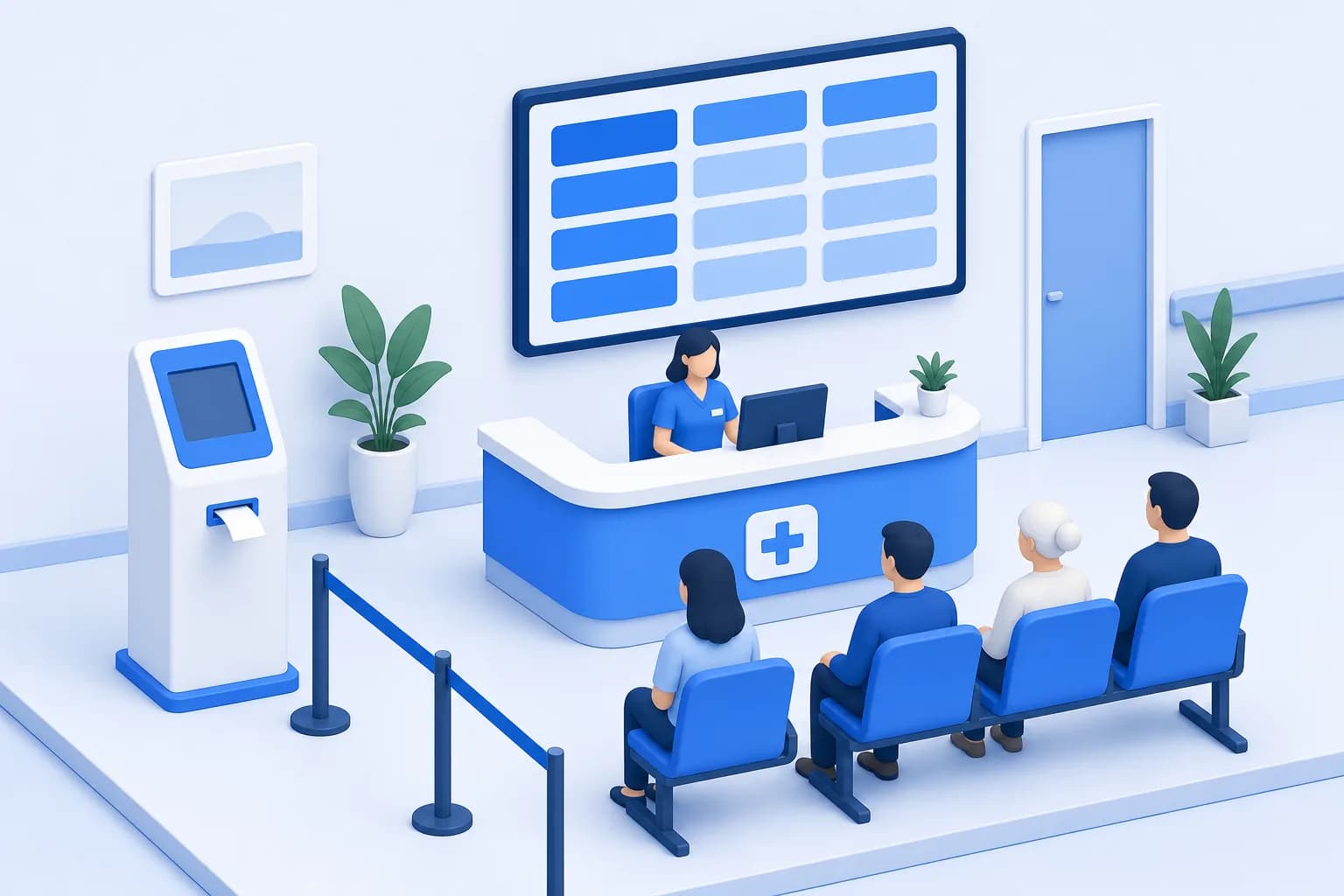
Connect Booking to Registration and Payment
A booked slot is not operationally useful if staff must recreate the patient and encounter on arrival. Match returning patients using controlled identifiers and collect only the minimum data needed to prepare registration. Send uncertain matches to a review queue instead of silently creating duplicate medical records.
Where deposits are appropriate, show the amount, refund terms, and payment status before confirmation. Integration with billing should post the transaction against the correct patient and service without exposing clinical data to payment staff. Multi-branch hospitals also need branch-specific prices, tax rules, and collection accounts.

“Our safest launch decision was treating online booking as the start of an encounter, not as a separate website form.”
Design Confirmation and Reminder Workflows
Confirmation messages should state the branch, department, clinician, arrival time, preparation instructions, and a secure way to change the booking. Avoid placing diagnoses or sensitive test names in ordinary SMS messages. The patient portal is the better location for detailed instructions and documents.
Use reminders as actionable checkpoints rather than repetitive notifications. Ask patients to confirm, cancel, complete intake, or pay an outstanding deposit at clinically sensible intervals. A reply that indicates a problem should create a visible staff task instead of disappearing into an unmanaged inbox.
Confirmation message essentials
- Correct branch and department
- Arrival time and preparation
- Secure reschedule option
- Accessibility contact
- Privacy-safe wording
Pilot With One Service and Measure the System
Choose a service with stable schedules, moderate demand, and a clinical owner willing to review results. Run staff-assisted and patient self-booking in parallel during the pilot so that edge cases appear before a broad rollout. Daily huddles should examine duplicates, misrouted visits, unused capacity, and patient questions.
Measure more than the number of online bookings. Track time to third-next-available appointment, conversion, cancellation lead time, arrival punctuality, no-shows, and staff handling time by channel. Segment the measures by branch and visit type so one high-volume clinic does not hide poor access elsewhere.

Scale With Governance and Continuous Improvement
Expansion should follow a change-control process for new clinicians, services, schedules, and eligibility rules. Assign owners for template approval, patient communication, integration monitoring, and incident response. Audit override activity because frequent manual exceptions usually reveal a broken rule or capacity model.
Review demand and supply monthly, then adjust templates based on evidence rather than anecdote. HealUDoc gives authorized teams a shared view of appointments, OPD activity, billing, lab, and pharmacy handoffs across branches. That connected view helps online access grow without fragmenting the patient's record or the hospital's operations.