Begin with patient jobs and service outcomes
Patients visit a portal to complete a task, not to explore a hospital's software. Interview patients and caregivers about booking visits, finding reports, paying bills, renewing medicines, and asking follow-up questions. Include people with chronic illness, limited digital confidence, disabilities, and inconsistent internet access.
Translate findings into a small first-release scope with named operational owners. Measures should include task completion, avoidable calls, response time, and failed access rather than registrations alone. A narrow service that works reliably builds more trust than a broad portal full of incomplete functions.
Design identity and access for real families
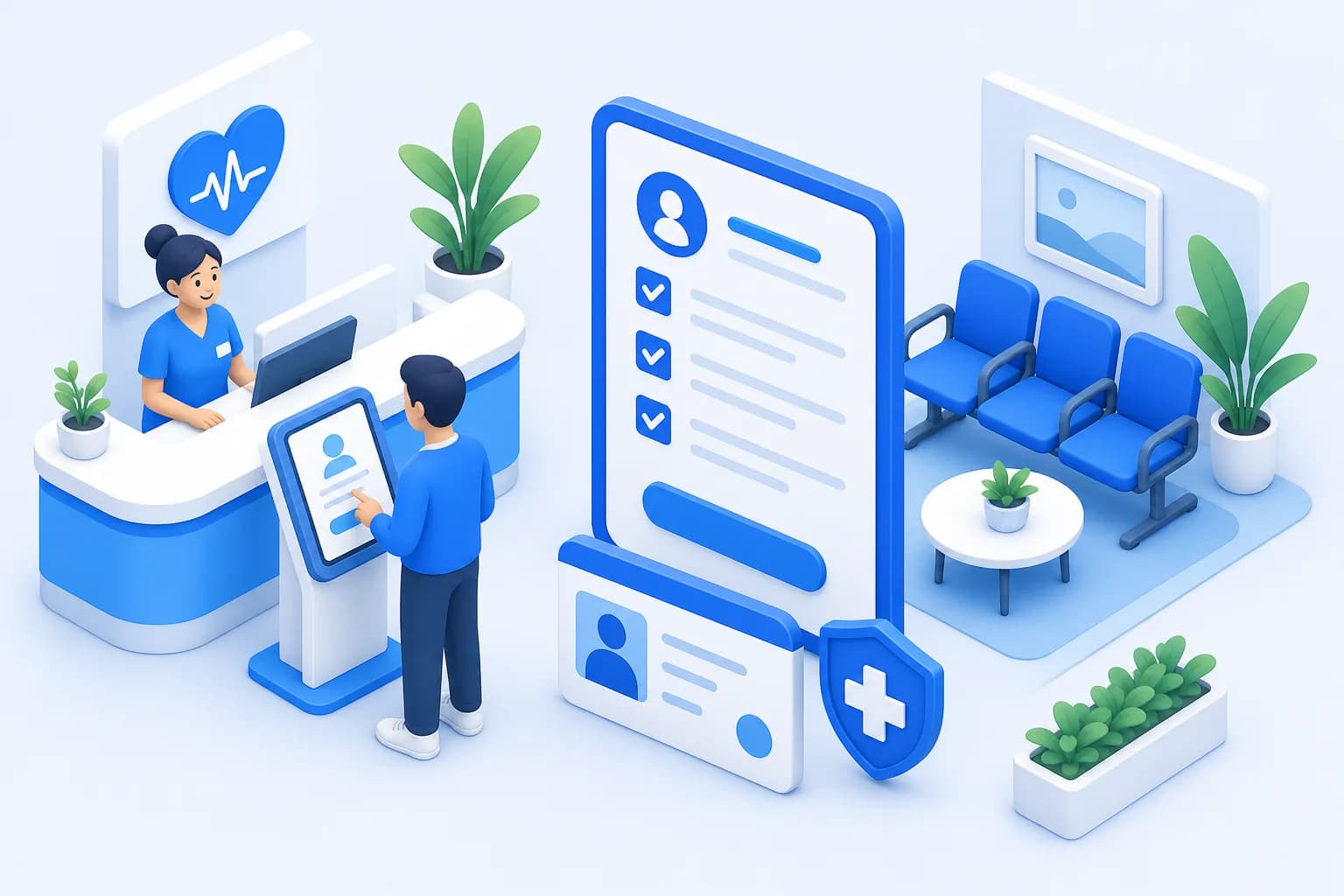
Identity verification must protect clinical information without creating an impossible enrollment process. Decide how patients verify remotely, recover accounts, update contact details, and resolve duplicate records. High-risk changes should receive stronger checks and an auditable support pathway.
Proxy access requires explicit rules because caregivers, parents, and adult dependents have different authority. Access should be granted to the caregiver's own account rather than through shared passwords. Role-based controls in HealUDoc can separate patient and proxy capabilities while preserving who viewed or performed each action.

Identity journeys to test
- First-time remote registration
- Forgotten password recovery
- Changed phone number
- Caregiver proxy request
- Duplicate patient record resolution
Make every task understandable
Portal language should use familiar words, direct actions, and dates written without ambiguity. Explain clinical terms beside results while avoiding automated reassurance that could be unsafe. Important status messages must state what happened, what the patient should do, and when to expect the next update.
Accessibility belongs in design and testing rather than a final compliance review. Support keyboard navigation, screen readers, sufficient contrast, text resizing, and clear error recovery. Test on low-cost phones and slow connections because a visually polished desktop experience may fail the patients who need remote access most.

Connect the portal to accountable operations
A portal request must enter a managed hospital queue with ownership and service expectations. Appointment changes, clinical messages, billing questions, and report inquiries belong to different teams. Routing them all to one inbox creates hidden delays and encourages patients to call again.
Define what the portal is not suitable for, especially emergencies and symptoms requiring immediate assessment. Show those boundaries at the point of messaging rather than burying them in terms. Escalation rules should cover staff absence, branch transfers, and requests that cross OPD, lab, pharmacy, or billing.
Operational controls before launch
- Named owner for every request type
- Published response expectations
- Urgent-care safety messaging
- Coverage for leave and weekends
- Escalation for overdue requests
Roll out with support at the moment of need
Invite patients when the portal can immediately help, such as after booking, discharge, or completion of a lab test. Staff should demonstrate one relevant task and verify the patient's contact information. Printed and verbal alternatives must remain available so digital access does not become a barrier to care.
Pilot in one service before expanding across branches, then compare support issues and completion rates. Front-desk and call-center scripts should use the same instructions as online help. Feed recurring questions back into interface copy and workflow design rather than treating every difficulty as a training failure.

Measure trust, completion, and equity
Monthly active users can grow while important tasks still fail. Measure successful bookings, viewed results, completed forms, message turnaround, support contacts, and abandonment by step. Segment outcomes carefully by age, language, branch, and access channel to identify avoidable exclusion.
Review privacy incidents, wrong-patient reports, and delayed clinical messages alongside convenience metrics. Patient advisory groups can explain patterns that analytics cannot. A portal earns sustained use when patients see that digital actions produce dependable real-world service.
“Adoption changed when we stopped promoting the portal as technology and started proving that each click led to a reliable hospital response.”