A reference zone layout that survives contact with a real hospital
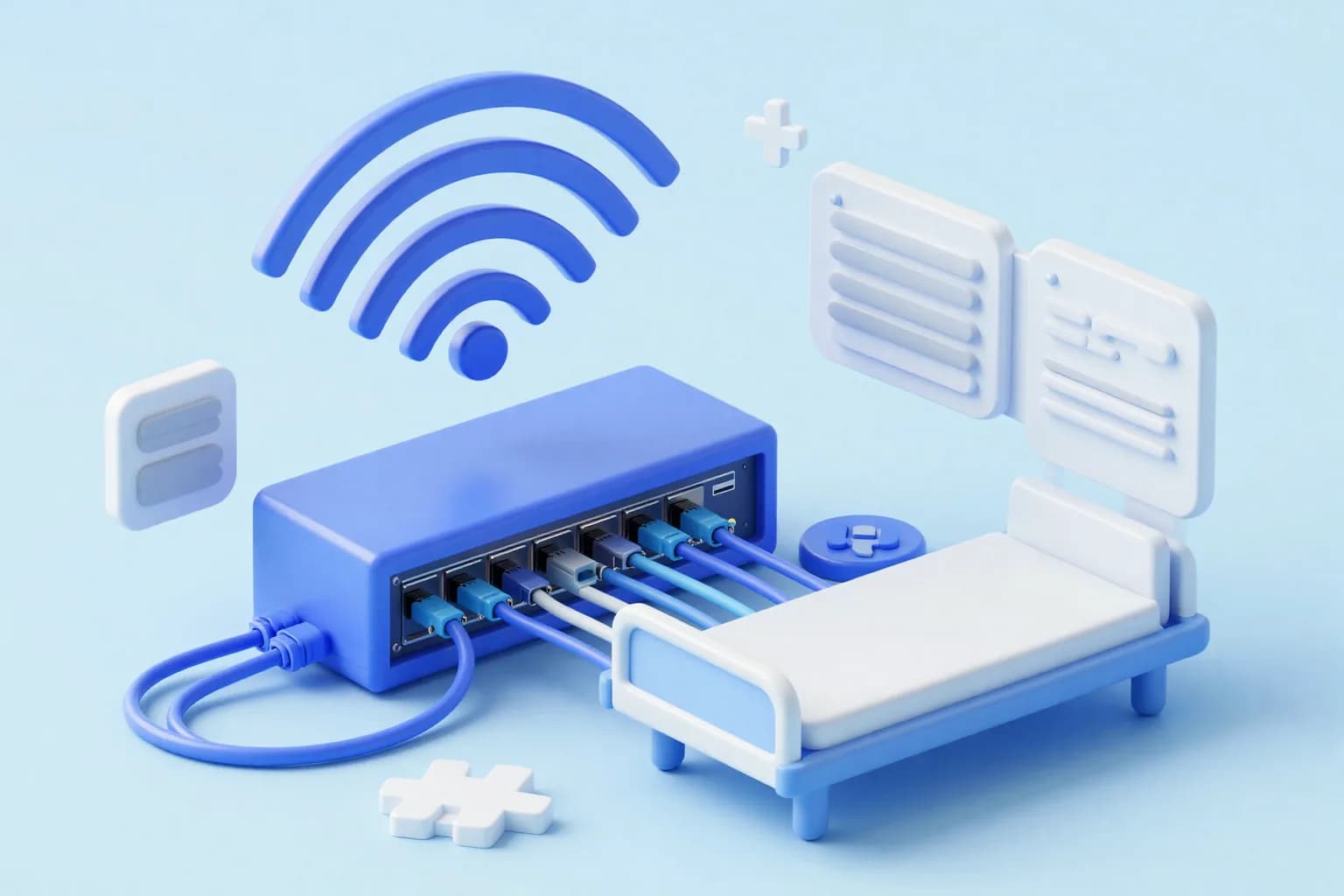
Start with five zones rather than fifty, because a design that cannot be implemented is worth less than a coarse one that can. Clinical workstations and clinical servers form the first zone, or two zones if you can separate user devices from servers. Imaging modalities and the picture archiving system form the second. Networked medical devices and their controllers form the third. Administrative and back-office systems form the fourth. Guest and patient wireless forms the fifth, and it should not touch the corporate network at any point.
Add two more that are often forgotten. Building services, which includes access control, closed-circuit television, lifts, nurse call and the building management system, belongs in its own zone because those systems are frequently installed by contractors with defaults nobody changed. And an out-of-band management zone for hypervisor consoles, storage controllers, switch management interfaces and backup systems, reachable only from hardened jump hosts, because these are the credentials an attacker most wants.
The zones are the easy part. The design decision that determines whether this works is where enforcement happens. Access control lists on the core switch are cheap and coarse. A firewall between zones is more expensive, gives you visibility and logging, and becomes a bottleneck if it is undersized for imaging traffic. Most hospitals end up with a hybrid: firewall enforcement between the high-value zones and switch-level controls elsewhere. Decide that early, because it drives the hardware purchase.

Seven zones for a first segmentation pass
- Clinical workstations and clinical application servers
- Imaging modalities and the PACS archive
- Networked medical devices, monitors and their central stations
- Administrative, finance and back-office systems
- Guest and patient wireless, isolated from all internal networks
- Building services: access control, CCTV, nurse call, building management
- Out-of-band management for hypervisors, storage, switches and backup
Why the medical device zone is a different problem
Networked medical equipment breaks the assumptions that ordinary IT security rests on. You cannot install an endpoint agent on an infusion pump. You cannot patch a monitor outside the manufacturer's validation cycle. You often cannot change a default account because the service application depends on it. Many devices carry a CDSCO registration, and biomedical engineering is correct to insist that unvalidated changes are not made to equipment used in patient care. The security answer therefore has to be environmental rather than device-based.
That means the network does the work the device cannot. Put devices in their own zone, permit only the specific flows they require, block internet access entirely unless a documented function needs it, and monitor for behaviour that does not fit the device profile. A patient monitor that suddenly initiates outbound connections it has never made before is a strong signal precisely because these devices are so predictable. Their inflexibility, which is a liability for patching, is an asset for anomaly detection.
Getting the inventory right is the prerequisite and it is harder than it sounds. Biomedical engineering maintains an equipment register for maintenance and calibration; IT maintains a network register. Neither shows which devices are networked, on which segment, with which firmware, and with which vendor holding remote access. Merging those two registers into one asset view, jointly owned, is usually the first deliverable of any hospital device security programme and frequently the most revealing.
802.1X, and the point at which it stops working
Port-based authentication is the textbook control for deciding what may connect, and it works well for managed workstations with a certificate and a supplicant. In a hospital it will cover perhaps the corporate estate and little else. A substantial share of clinical equipment has no supplicant, cannot hold a certificate, and will simply fail to connect. Deploying 802.1X estate-wide without accounting for that is a reliable way to take a ward offline during a rollout.
The usual fallback is MAC authentication bypass, where a device that cannot authenticate is admitted based on its hardware address and placed on a restricted VLAN. Be clear-eyed about what this provides. A MAC address is trivially spoofed, so this is an inventory and placement mechanism rather than a security control. It is still worth deploying, because putting every unauthenticated device onto a tightly restricted segment is far better than leaving it on the clinical network, but do not describe it in a policy document as authentication.
Where the equipment supports nothing at all, fall back to physical and logical discipline: dedicated switch ports configured statically to the device VLAN, unused ports administratively disabled, port security limiting the number of addresses per port, and a documented exception register. The exception register matters as much as the technology, because it converts an invisible weakness into a known one with an owner, which is the difference an assessor will notice.
Realistic access control tiers across a hospital estate
- Certificate-based 802.1X for managed workstations and staff laptops
- MAC authentication bypass onto a restricted VLAN for legacy clinical devices
- Statically configured, port-secured access ports for fixed equipment
- All unused switch ports administratively shut down by default
- A written exception register naming each device, reason and review date
Imaging traffic, and sizing the segment for it
Imaging is the traffic that breaks under-designed segmentation. Modern computed tomography and magnetic resonance studies run to hundreds of megabytes each, and a busy department pushing studies to the archive while radiologists retrieve priors generates sustained flows that a small firewall placed between zones will not handle. The symptom is not a security alert; it is a radiologist complaining that studies take too long to load, followed by pressure to remove the firewall rule that is being blamed.
So size the enforcement point for imaging before you place it. Measure current traffic between modalities, archive and reporting workstations at peak, add headroom for the modality upgrade already on the capital plan, and check the throughput figure for your firewall with the inspection features you intend to enable rather than the headline number on the datasheet. Where the numbers do not work, keep modality-to-archive traffic within a single high-speed zone and enforce only at the boundary to the rest of the hospital.
The flows themselves are well defined and that helps. DICOM storage, query and retrieve, modality worklist queries back to the information system, and HL7 messaging between the radiology system, the hospital system and the archive. Each has a known port and a known pair of endpoints, so the rule set can be specific rather than permissive. Insist that the vendor states the required flows in writing at installation, because reverse-engineering them later from packet captures during a go-live weekend is a poor use of everyone's night.
Writing the rules between zones without breaking a workflow
The rule set should be built from the application flows, not from a subnet diagram. Work with each system owner to list what talks to what: the hospital management system to the laboratory system, the laboratory system to each analyser, the pharmacy module to the dispensing cabinets, the interface engine to everything. Write the rules from that list, name each rule with the workflow it serves and the date it was created, and record who requested it. An unnamed rule is one nobody will dare remove in three years.
Default deny between zones is the target, but reaching it in one step is unrealistic in an estate where nobody knows all the flows. The workable path is to run the enforcement point in a permissive logging mode first, collect what actually traverses the boundary for a full cycle including a month-end and a weekend, and use that data to build the rule set. Then switch to default deny with the observed flows permitted, keeping a rapid rollback ready for the first fortnight.
Then treat the rule set as a maintained artefact. Review it at least annually against the list of live workflows, remove rules whose systems have been decommissioned, and require every new rule to carry an owner and a justification. Hospital firewall configurations decay faster than most because clinical systems change constantly and the pressure to open a rule quickly at 9am on a Monday is intense. Recording the temporary rules with an expiry date is what stops temporary becoming permanent.
Fields every inter-zone rule should carry
- The clinical or business workflow the rule enables
- Named requester and approving system owner
- Specific source, destination, port and protocol, not any-to-any
- Creation date and, for temporary rules, an explicit expiry date
- Review status at the most recent rule set audit
Staging the work in a hospital that cannot go down
Segmentation in a live hospital is a sequencing problem more than an engineering one. Begin with the zones that carry the least clinical risk and the most value: guest wireless separation, then the management network, then building services. Each of those can usually be delivered without touching a clinical workflow, and each removes real risk. By the time you reach the clinical and imaging zones, the team has practised the change process and the organisation has seen that the work does not cause outages.
Schedule clinical changes against the hospital's actual rhythm rather than a generic maintenance window. Outpatient volumes, theatre lists, dialysis sessions and the pattern of emergency admissions differ by hospital and by day of the week. Get the schedule signed by the medical superintendent and nursing superintendent, notify the affected departments with a named contact for the night, and stage a rollback that has been tested rather than assumed. Have a biomedical engineer available whenever device segments are touched.
Accept that some things will break and plan how you will find out quickly. The failures are rarely dramatic; they are a results interface that silently stops, a printer that no longer reaches the pharmacy, a modality worklist that returns nothing at 6am. Ask the departments to check the specific workflows the next morning rather than waiting for complaints, and keep the change window open for a working day so that a fault reported at 11am is still linked to the change rather than treated as a new incident.

“We did guest wireless and the management network first. Nothing broke, and that bought us the credibility to touch the imaging network six months later.”
Operating the design once the project team leaves
A segmented network without maintenance drifts back towards flat within a couple of years, because every urgent problem has a fast solution that involves opening a rule. Assign an owner for the segmentation design, not just for the firewalls, and give that person the authority to refuse a permanent exception. Attach a quarterly review to a calendar with an agenda: new devices discovered, rules added since last review, temporary rules past expiry, and exception register entries whose review date has passed.
Monitor for what should not exist. Devices appearing on the wrong segment, traffic crossing zones on ports that no rule permits, medical devices attempting outbound internet connections, and management interfaces reachable from a clinical subnet. These checks are cheap to automate and they catch the two commonest failure modes: a contractor plugging equipment into whatever port was free, and a well-meaning engineer solving an urgent problem by relaxing a control at midnight.
Finally, connect the design to the rest of your assurance work. The zone diagram belongs in your incident runbook so responders know what isolating a segment will stop. The device register belongs in your risk assessment. The exception list belongs in the evidence you present at an assessment. Segmentation done well is one of the few security investments that improves incident response, regulatory evidence and day-to-day troubleshooting at the same time, which is a reasonable argument to take to a capital committee.
Quarterly segmentation health checks
- New or unrecognised devices detected on each clinical segment
- Temporary firewall rules that have passed their expiry date
- Medical devices generating outbound internet connection attempts
- Management interfaces reachable from outside the management zone
- Exception register entries overdue for review, with owner and age